




















Turn your account card
into a class timetable.
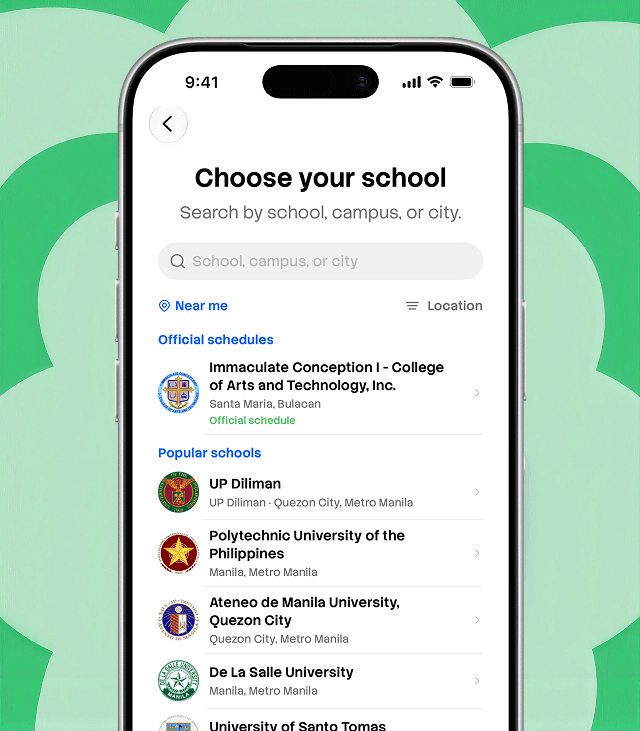
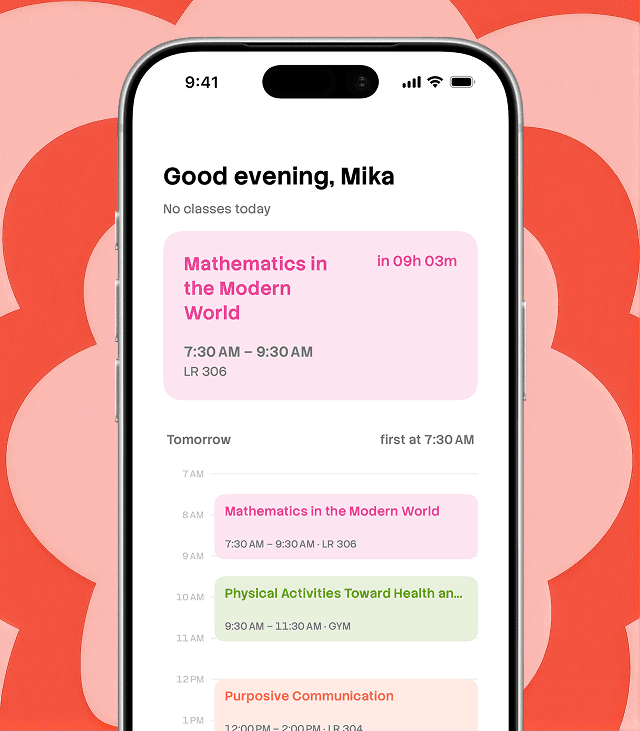
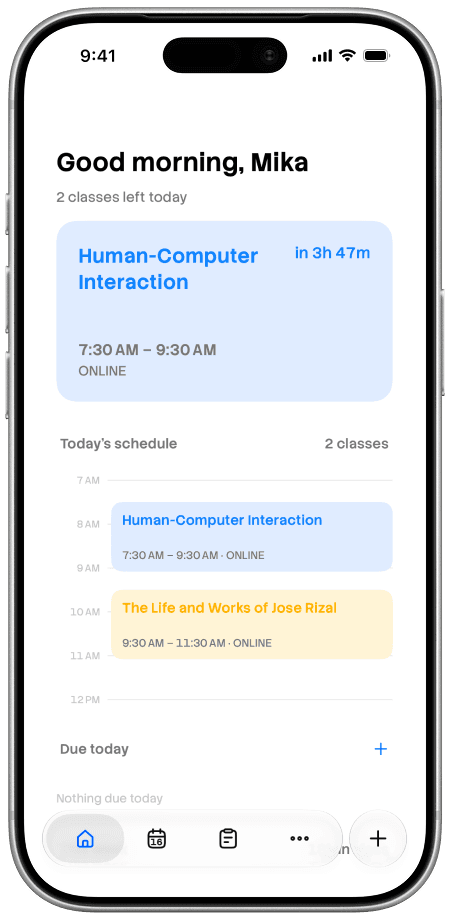
MySched helps CCSIT students turn their account card into a clear schedule and get reminders before class.
Capture
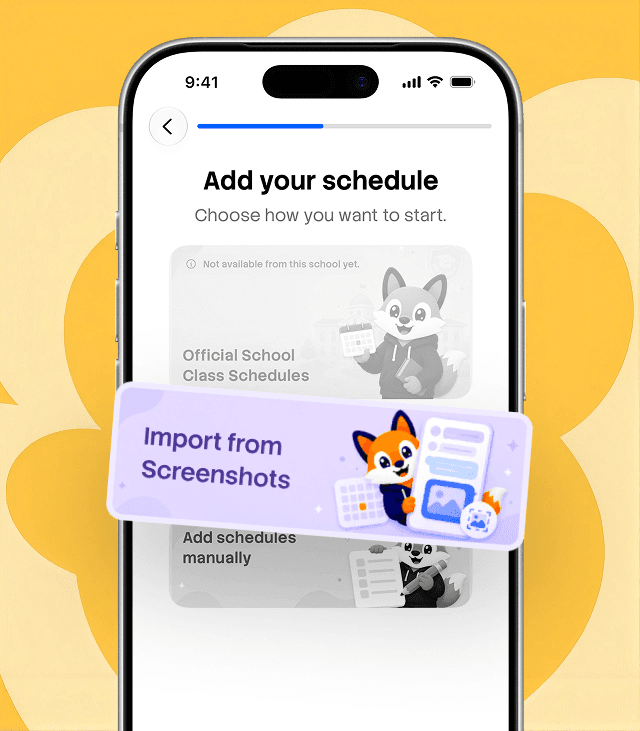
Scan your student account card so MySched can read subjects, times, and rooms.
Verify
Review the extracted schedule and correct details before saving.
Automate
Save to your account for sync and class reminders.
Set up your schedule with one scan.
Review it, then save.
Scan Your Card
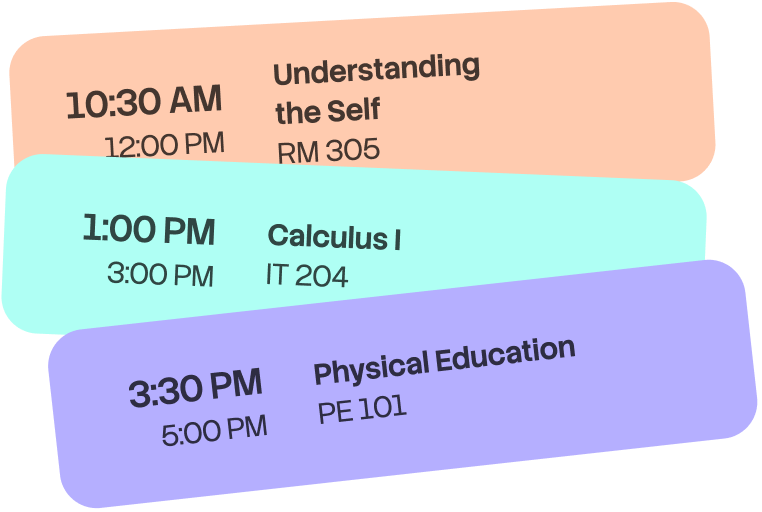
Reads subjects, times, and rooms from your student account card.
Clear Timetable
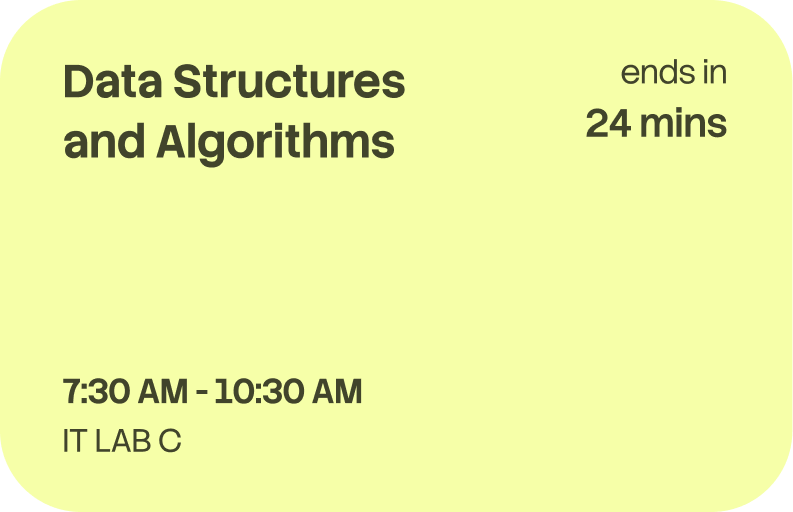
Turns the scan into a readable class schedule.
Saved Schedule
Keep your timetable saved to your account.
Class Reminders
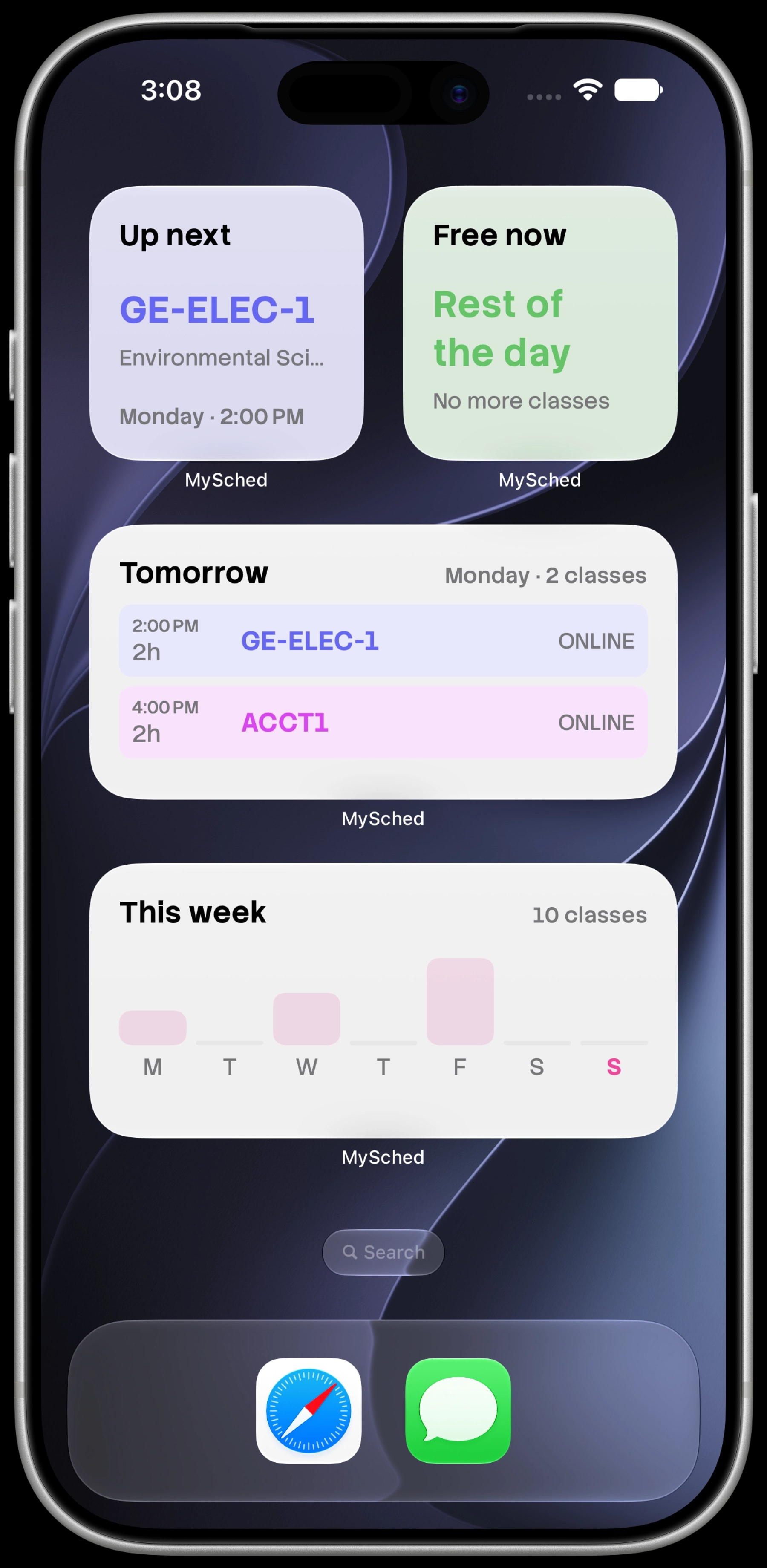
Get alerts before class so you stay on time.
Built for CCSIT students. Data handled per the Data Privacy Act of 2012.
Social Proof
Evaluated with CCSIT students and IT experts
Summary statements based on evaluation with CCSIT students and IT experts.
"Scanning a clear account card produced a reliable class schedule."
"Saved schedules stayed accessible after login."
"Reminders helped students manage time and reduce missed classes."
FAQ
Questions students ask
Quick answers about scanning, timetable creation, and reminders.
Your schedule,
ready after one scan.
Scan your student account card, review the timetable, and get reminders before class.