
Scan
Capture your schedule from your registration card.
Scan your registration card once. Create your schedule instantly.


Free on iPhone and Android
Start with your registration card. Save it once and you're set.
Capture your schedule from your registration card.
Check everything before saving.
Your schedule is set for the term.
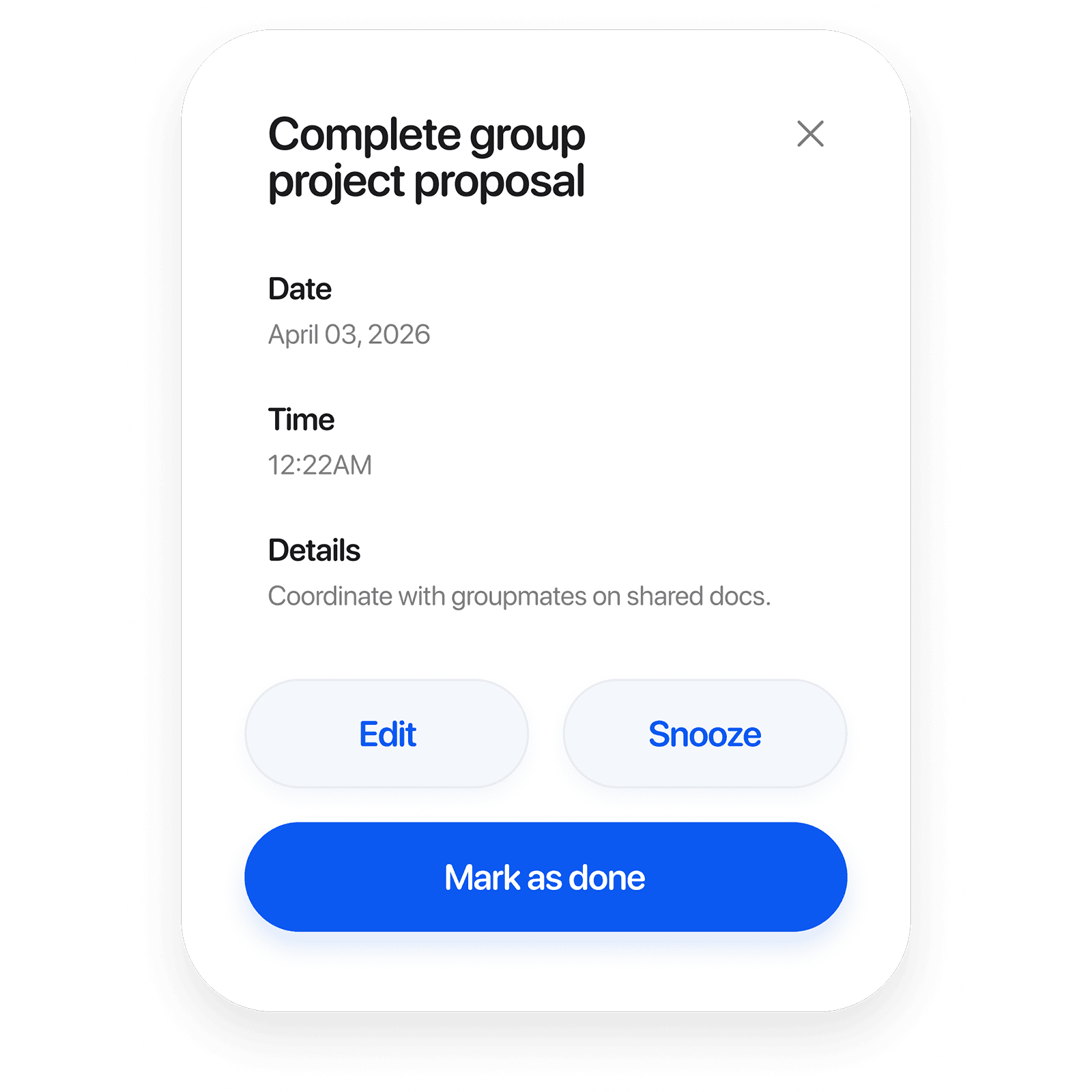
See the date, time, and notes before you mark it done.
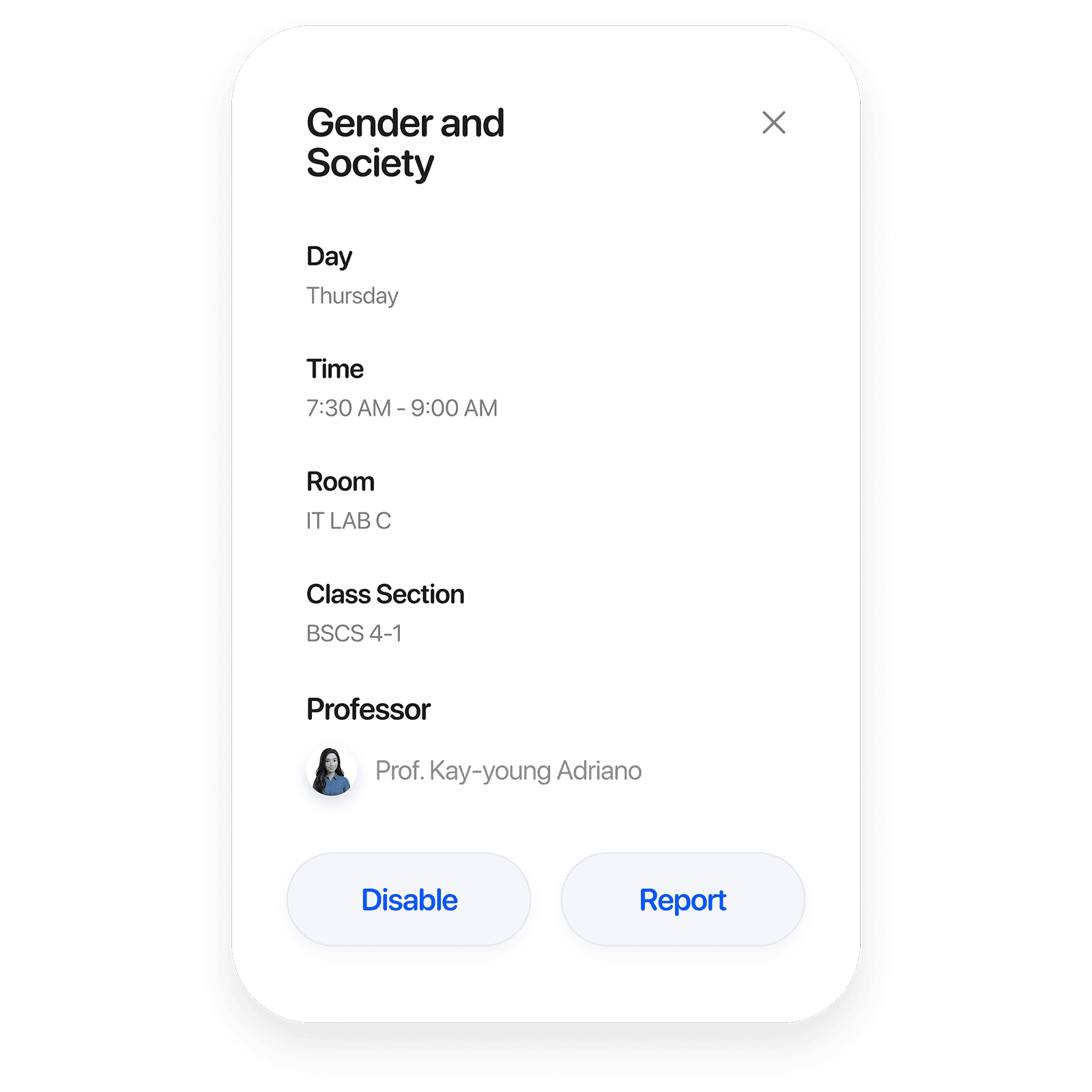
See the time, room, section, and professor.
Stop checking posts. Open your schedule.
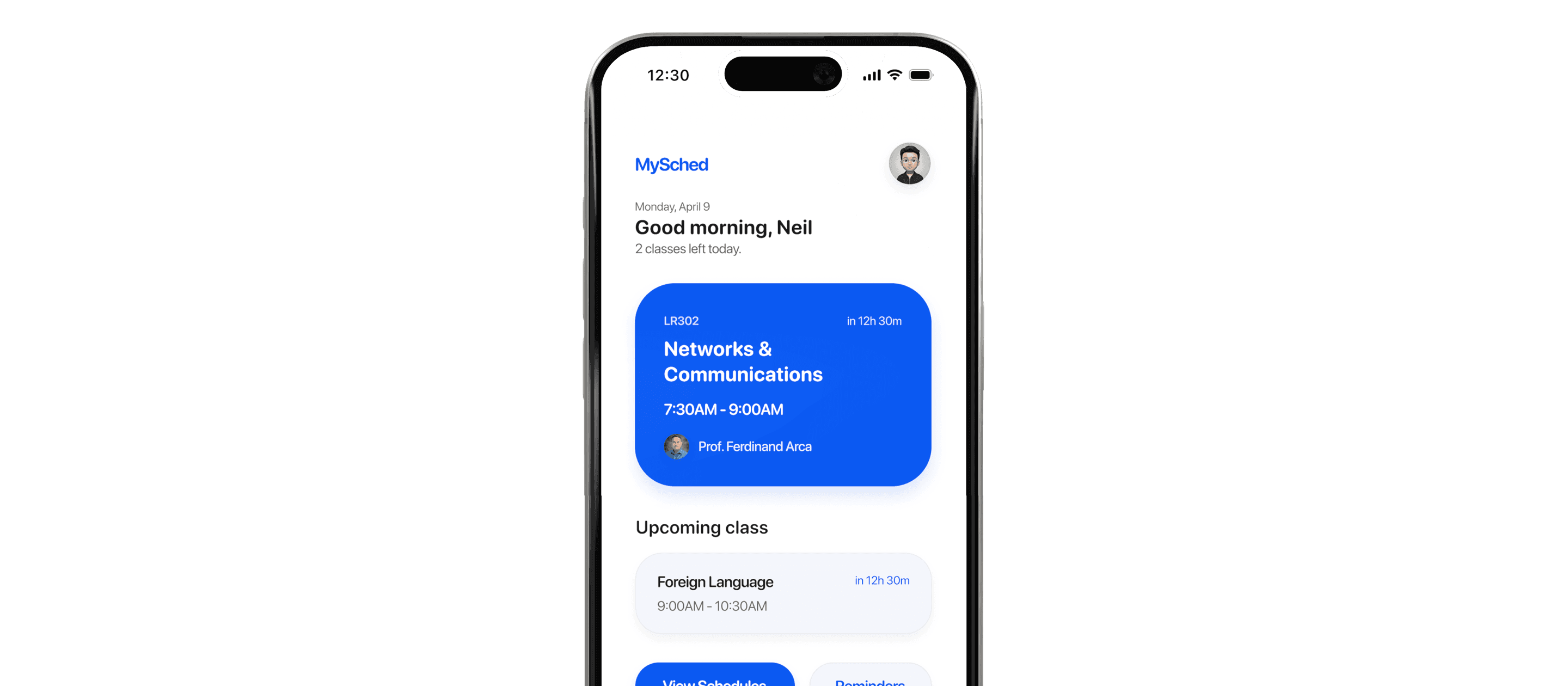
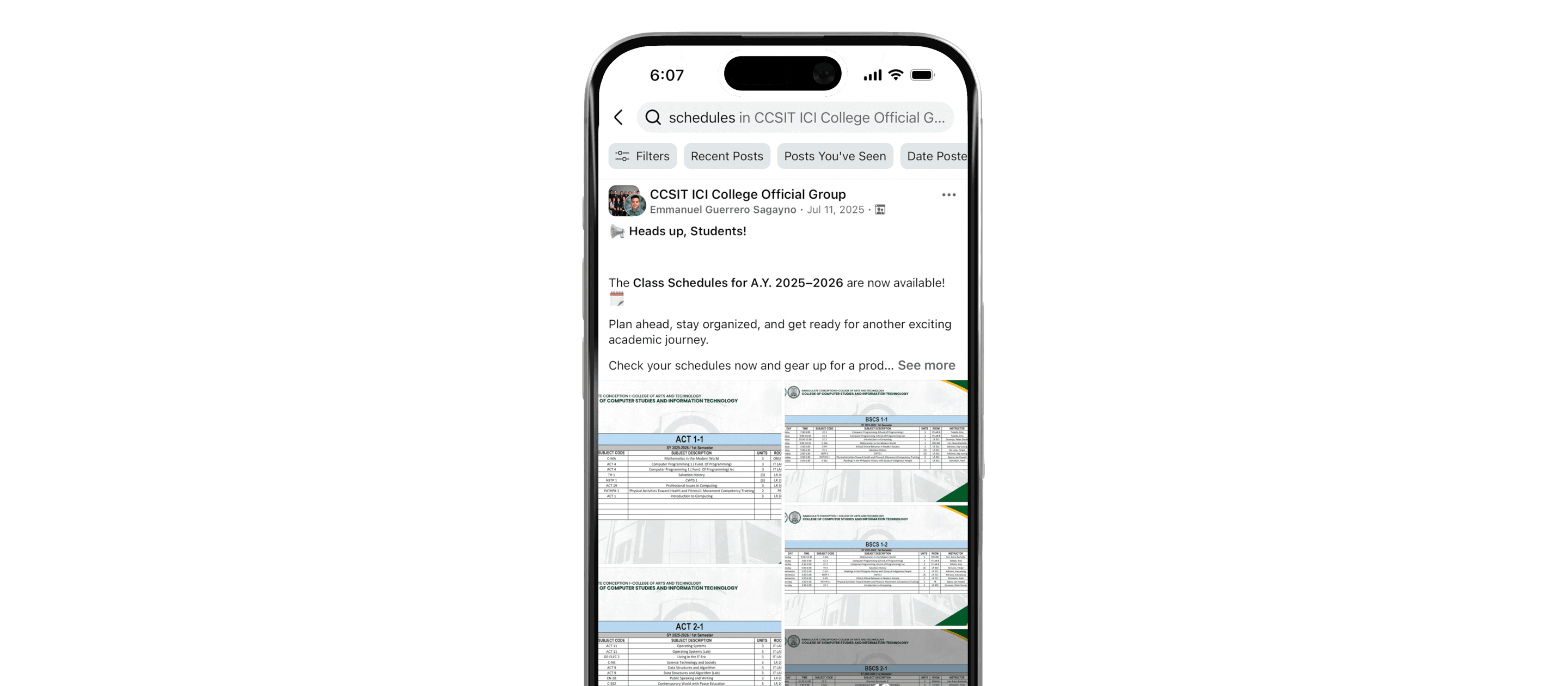
Find what you need without searching.
See who's teaching and where they are.
See which rooms are available when you need them.
Turn-by-turn campus directions are coming soon.
Everything you need to know about MySched.
MySched is designed for students who receive a registration card or class list and want one clean place to keep that schedule on their phone.
You only need the registration card or schedule sheet that already contains your classes, times, and rooms.
Review the imported classes before you save. If a line scans incorrectly, edit it and save the corrected version for the term.
No long setup is required. Scan once, confirm your classes, and your schedule is ready to use.
Reminders are attached to the classes and tasks you care about so you can see what is coming up without checking multiple sources.
You only need connectivity for download and sync moments. Your saved schedule should stay available when you are moving between classes.
Yes. Once your schedule is saved, you can open it whenever you need your next class, room, or reminder.
You can rescan and replace the saved schedule so the app reflects the latest card you intended to keep.
Download MySched and keep your schedule with you.


